 Crypto Custody Guide
 Cold Wallet Explained: What It Is and How It Works
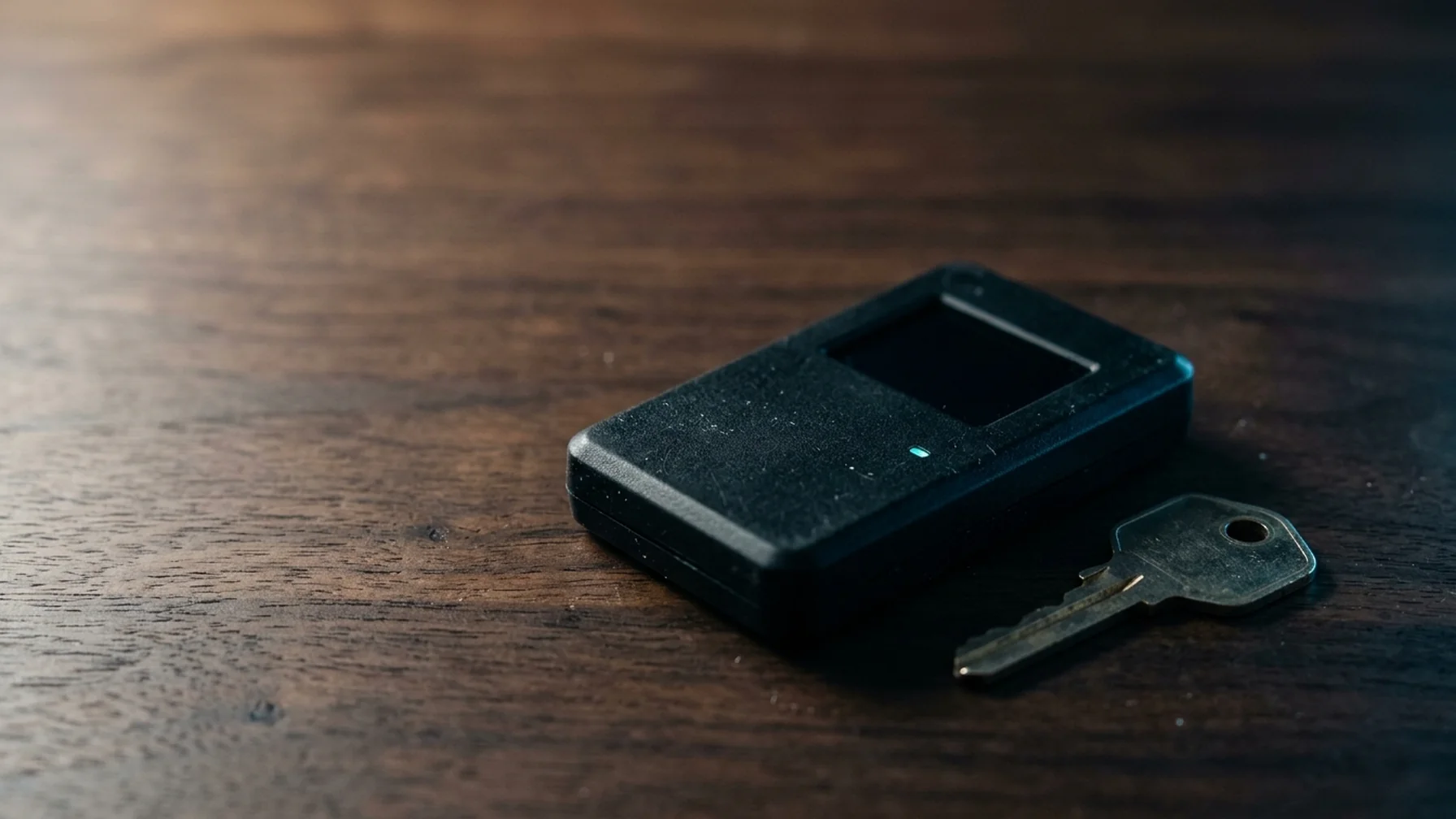
A cold wallet stores the private keys that control crypto while keeping them off any internet-connected device. You sign transactions on that offline device, so a hacker who breaches your computer or phone still has no key to steal.
What a Cold Wallet Actually Is
The cold wallet meaning is simple: it is a signing device or medium that stays offline, and you use it only when you need to move funds. The wallet itself does not hold coins. Coins live on the blockchain. What you protect is the private key, a long number that proves ownership and authorizes spending.
Traders often ask "what's a cold wallet compared to a hot wallet?" A hot wallet runs on a phone or laptop that touches the internet. A cold wallet stays disconnected between uses. That gap cuts off remote attacks, but it also adds steps, since every transfer needs a manual connection or a physical exchange.
How a Cold Wallet Works, Step by Step
The process is the same whether you use a hardware device or a paper backup. Here is the full loop, from setup to spending.
- Generate keys offline. The device creates your private key and a matching public address while no network is active. The private key never leaves the device.
- Back up the seed phrase. The device shows a list of 12 or 24 words that can rebuild your key. You write them on paper or metal and store them away from the device.
- Receive funds. You copy the public address to a hot wallet or exchange and send crypto to it. The public address is safe to share.
- Build the transaction online. When you want to spend, a connected computer creates the unsigned transaction.
- Sign offline. You pass that transaction to the cold device, which signs it with the private key without exposing the key. Some devices sign over a cable; others use a QR code or SD card.
- Broadcast. The signed transaction goes back to the online computer and out to the network.
An attacker who controls the signing computer only ever sees an unsigned and a signed transaction. They never see the key needed to create new signatures.
Key Terms in Plain English
Four terms cover almost everything you need to know.
- Private key: the secret number that authorizes spending. Anyone with it controls the funds.
- Public address: the destination you share to receive crypto. It is derived from the key but cannot be reversed into it.
- Seed phrase: a readable backup of the private key, usually 12 or 24 words. It restores the wallet on any compatible device.
- Air gap: a physical separation from the internet. An air-gapped device has no Wi-Fi, Bluetooth, or network port in use.
The seed phrase matters as much as the device. Lose the device and the seed restores your funds. Lose the seed and a device failure means the funds are gone. Treat the seed like cash in a safe, because that is what it represents.
A Worked Example (Illustrative Numbers)
Suppose a holder has $20,000 in crypto and wants most of it offline. These figures are illustrative only and do not reflect any market or provider.
They buy a hardware wallet for around $80. They set it up offline and write the 24-word seed on paper, then stamp a copy onto a metal plate stored elsewhere. They move $18,000 to the cold wallet and leave $2,000 in a hot wallet for regular use. When they need to sell $500, they build the transaction on their laptop, connect the device, confirm the amount and address on the device screen, and sign. The $18,000 key stayed offline the whole time.
Their real risk is not hacking. It is a lost seed phrase or a house fire that destroys a single paper copy. A second location for the backup costs little and removes that failure mode.
Misunderstandings Worth Clearing Up
"Cold wallets store coins." They do not. Coins are entries on a public ledger. The wallet protects the ability to move them.
"A hardware wallet can't be hacked." The device itself resists extraction, but setup and backup are where people fail. Buying a device from a reseller and using a pre-filled seed phrase is a common scam. Always generate the seed yourself on first boot.
"Cold means no internet, ever." Most devices connect briefly to sign a transaction. The air gap protects the key during signing, not the whole computer. If your laptop is infected, malware can swap the destination address in the unsigned transaction. That is why you should read the address on the device screen before you approve.
"More backups are better." Each copy is another point of exposure. Two well-protected locations beat five scattered ones.
Why This Matters for Holders and Treasurers
Self-custody removes a third party from the equation. That cuts counterparty risk, but it shifts full responsibility for key management onto you. For an individual holding long-term, a cold wallet removes the everyday attack surface of exchanges and browser wallets. For a business treasurer, it also raises questions of shared control. Multisignature setups spread the key across several devices so no single person can move funds alone.
The choice between hot and cold storage is a trade-off. Cold storage lowers theft risk and raises operational friction: signing takes more steps, and a lost backup is unrecoverable. Hot wallets stay convenient for small, frequent amounts. Most holders use both, keeping only working balances online.
Jurisdiction matters here. Reporting rules, tax treatment, and custody requirements vary by country and change over time. Verify the current rules on the official tax or regulatory source for your location before acting.
Practical Takeaway: Set Up Your Cold Wallet Correctly
Generate the seed yourself on the device, never accept a pre-filled one, and write it down before you send any funds. Send a small test amount first, confirm it arrives, then move the rest. Store the seed backup away from the device and consider a metal copy for fire and water resistance. Read every destination address on the device screen when you sign. Cold storage works when the key stays offline and the backup survives. This is general information, not financial, legal, or tax advice.